v0.55.0 - MIT License

Parallel and ultra-fast disk usage analysis.

The power of a DU analyzer written in C with multi-thread scanning, combined with the flexibility of a TUI interface to navigate where it matters most.

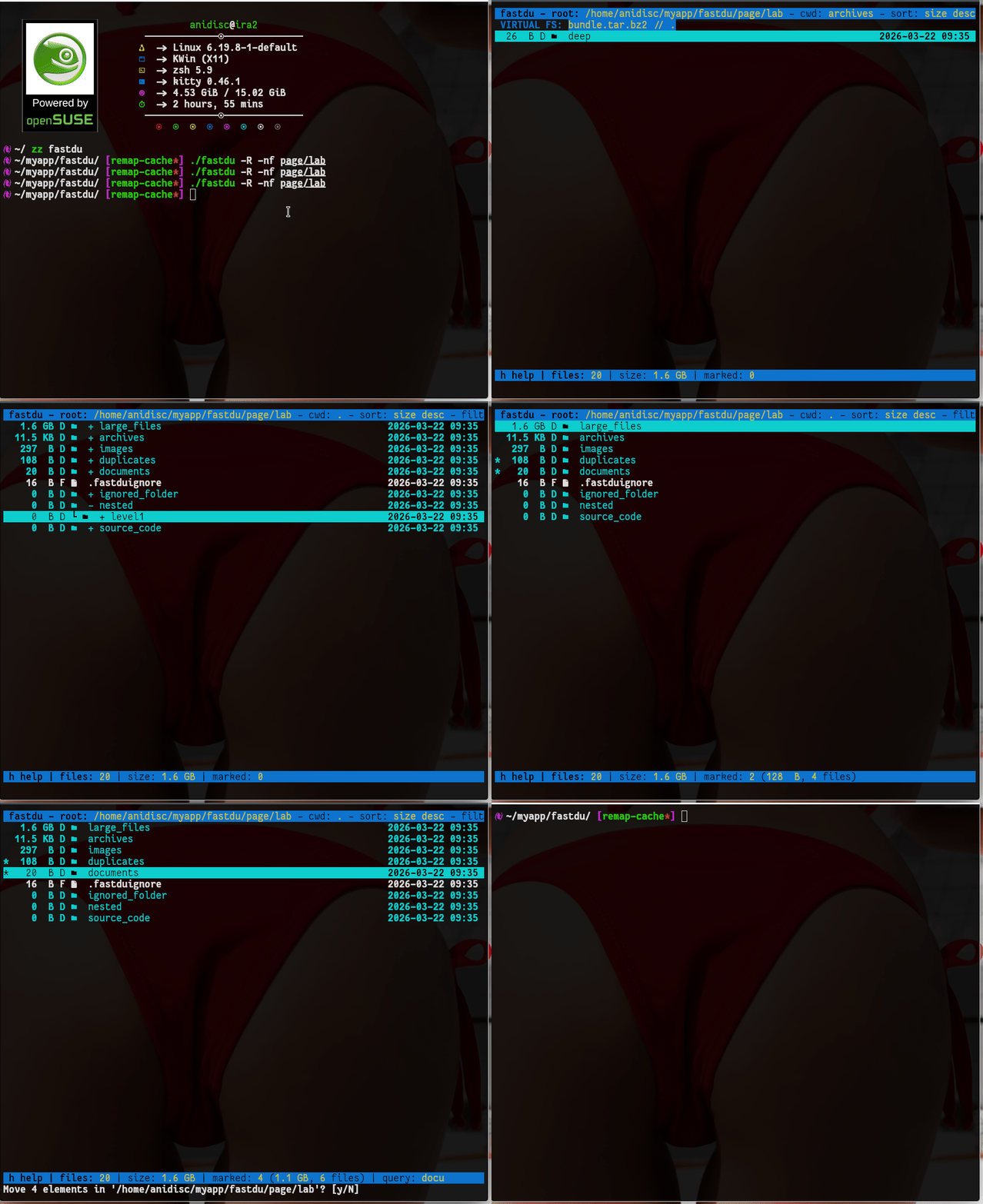
fastdu 0.55.0 โ€” Demo in Action
fastdu in action

Built for Speed

While others are reading the disk, fastdu has already mapped it.

๐Ÿš€

Parallel Scanning

Leverage every core of your CPU with a deep work queue and optimized worker threads.

๐Ÿ’พ

Sharded Cache

On-disk persistent cache with 64 independent locks. Instant loading even for datasets with millions of files.

๐Ÿ“‰

Snapshot (Diff Mode)

Create a baseline and monitor how disk space changes over time. Visualize increases and decreases in real-time.

More than just a DU

Beyond analysis: deep exploration and intelligent management.

๐Ÿ“ฆ

Navigable Archives

Explore inside .zip, .tar, .7z, and .iso files as if they were directories, powered by libarchive.

๐Ÿงน

Waste Space Analyzer

Identify identical files using multi-stage hashing (Size -> Header -> Byte-by-byte) and recover valuable space.

๐ŸŒฒ

Tree View

Instantly switch to Tree View mode for an immediate hierarchical understanding of your file structure.

๐Ÿ–ผ๏ธ

In-Terminal Graphics

Native image previews via Kitty Graphics Protocol or Chafa, preserving the original aspect ratio.

โœจ

Nerd Fonts & Themes

Visual icons for every file type and customizable themes (Dracula, Tokyo Night, Pastel) via TOML config.

๐Ÿ›ก๏ธ

Open Source & Secure

Written in C11 for maximum performance and portability. Free from bloatware, telemetry, and heavy dependencies.

TUI Quick Guide

Essential commands to dominate your data directly from your keyboard.

Navigation

  • โ†‘/โ†“ or j/k Move selection
  • Enter Enter directory / archive
  • BS Go to parent directory
  • Mouse Scroll, click, and breadcrumbs

Visualization

  • A Toggle Tree View mode
  • Y Toggle Snapshot (Diff Mode)
  • K Cycle through color themes
  • E Extension distribution view

Actions & Filters

  • U Open duplicate analyzer
  • v Preview image or text
  • f Search by substring
  • o/s Toggle sort (size/name)

Command Line Options

Configure the scanning engine and export features at launch.

Flag Description & Implementation
-nf, --nerd-fonts Enable graphical icons for files and directories (requires a Nerd Font).
-R, --reload Force a full rescan, ignoring the existing on-disk cache.
-ac, --accuracy Calculation based on allocated blocks (st_blocks) for pinpoint accuracy.
-x, --one-file-system Stay on the same file system (do not cross mount points).
-e, --exclude PAT Exclude files or paths matching the pattern PAT from the scan.
-j, --jobs N Set the number of parallel threads (default: CPU core count).
--diff FILE Start an immediate comparison between the current state and a previous cache snapshot.
--export FMT OUT Export data (json or csv) to OUT file and exit without opening the TUI.
-D, --decorative Enable extra UI elements like column headers and vertical separators.

Download & Build

Available on GitHub as an Open Source project.

1. System Dependencies

# Debian/Ubuntu sudo apt install libarchive-dev chafa libncursesw5-dev gcc make

2. Clone Repository

git clone https://github.com/anidisc/fastdu.git && cd fastdu

3. Build

make -j$(nproc) ./fastdu /your/path